

GOOD
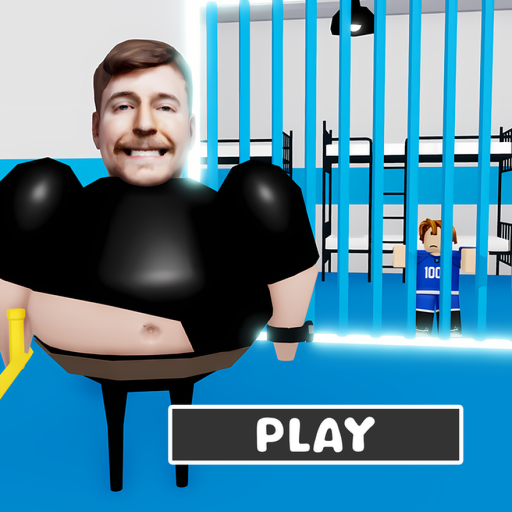
BEAST'S PRISON RUN! (Obby)
by COMPITE STUDIO
"A prison-escape obstacle course where players navigate security systems and guards across a series of platforming challenges."
What your child develops
What your child develops
BEAST'S PRISON RUN! gives kids a satisfying skill-based workout — timing jumps, reading obstacle patterns, and persisting through increasingly tricky sections builds genuine spatial reasoning and resilience. The light multiplayer setting means kids often share the run with friends, adding a casual social dimension to the fun.
What to watch out for
What to watch out for
The experience includes optional gamepass purchases and a donation button, so kids may encounter mild Robux prompts — these are not pay-to-win but worth a quick parent conversation. Shared servers of up to 20 players mean standard Roblox text chat is present, introducing the usual low-level stranger contact typical of the platform.
Parent tip
Play the first few stages alongside your child and ask them to explain their strategy for each obstacle — it turns a solo run into a shared problem-solving conversation and naturally opens the door to talking about in-game purchases.
ℹRoblox parent guide▾
Bottom line first
By default, Roblox allows unfiltered chat and friend requests from strangers. Enable Account Restrictions immediately — it takes 2 minutes and makes the platform significantly safer for children under 13.
Roblox is a platform of 40 million+ user-made games, not a single game. Quality, safety, and age-appropriateness vary dramatically between experiences. The LumiKin ratings above reflect individual experiences — the platform itself does not guarantee safety.
Robux is the in-game currency used across most popular experiences. Many games are designed around Robux spending — pay-to-win mechanics, exclusive cosmetics, and social comparison of avatar items are common. Set a clear spending policy before your child encounters the first purchase prompt.
The chat filter is imperfect. Children regularly find workarounds (number substitutions, deliberate misspellings). Monitor chat history periodically using the Parent PIN tools, and have an open conversation about what to do if someone says something uncomfortable.
Action: Roblox settings → Privacy → Account Restrictions (ON). This restricts chat, friend requests, and game access to a pre-screened age-appropriate set. Set a Parent PIN to prevent your child from disabling it.